
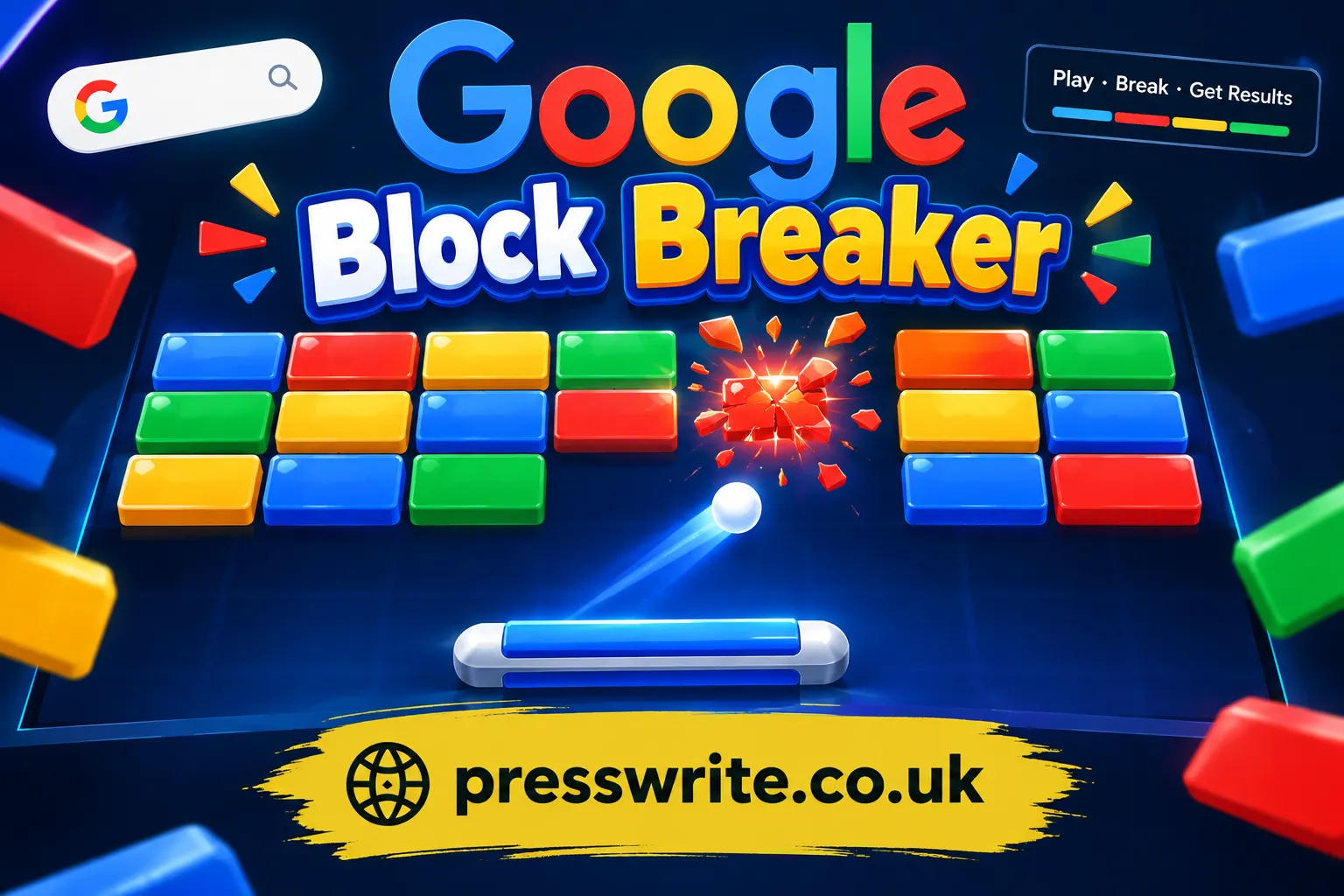
Google Block Breaker has quietly become one of the most searched-for browser games on the internet, and it is easy to see why. Tucked inside Google Search as a fun, no-download Easter egg, this brick-breaking arcade game gives players a nostalgic hit of classic gameplay wrapped in a clean, modern design. Whether you stumbled on it by accident while searching “block breaker” or you were specifically hunting for a quick way to kill five minutes at work, this guide walks you through everything you need to know — how it works, how to play it well, and why it has become such a beloved digital time-waster.
This article is built to answer every question a curious player or a nostalgic gamer might have, using verified information about how the game functions, its features, and its place among other browser-based arcade games.
What Is Google Block Breaker?
Google Block Breaker is a browser-based arcade game that Google added directly into its search results. When someone searches for “block breaker” on any device, Google Search displays a playable game card. Tapping “Play” loads a fullscreen version of the game that closely resembles Atari’s legendary Breakout, one of the earliest and most influential arcade titles ever made.
In Google’s rendition, players are presented with rows of colorful blocks arranged at the top of the screen, styled in the company’s iconic blue, red, yellow, and green color scheme. A paddle sits at the bottom, controlled by the player, and a ball bounces around the screen. The objective is simple on the surface: keep the ball in play, break every block, and rack up as high a score as possible.
The Story Behind the Game
Google has a long-standing tradition of embedding playful, functional games and tools directly into its search engine. Over the years, this has included a calculator, unit converters, a solitaire game, and even a hidden version of Pac-Man. Block Breaker joined this growing library as a nod to classic arcade gaming, giving users an instant, shareable moment of nostalgia without needing to leave the search page or download anything.
Some sources also mention that certain versions of the game were tied to celebrating the anniversary of the brick-breaker genre itself, which traces its roots back to Breakout’s original 1976 release. Regardless of the exact origin story, the appeal remains the same — a fast, satisfying, skill-based diversion that anyone with a browser can access instantly.
How to Play Google Block Breaker in Your Browser
Getting started with Google Block Breaker does not require an account, an app store, or even a stable internet connection beyond loading the initial page. This accessibility is a major reason the game has spread so widely.
Basic Setup and Access
To play, simply open a browser on your computer or phone and search “Google Block Breaker” or “Block Breaker.” A game card will typically appear at or near the top of the search results. Clicking or tapping “Play” launches the interactive game window, which expands into a full-screen or embedded play area depending on your device.
Controls Across Devices
- On a desktop or laptop, the paddle is controlled using the left and right arrow keys, or by simply moving your mouse across the screen.
- On a mobile phone or tablet, players slide a finger left and right along the bottom of the screen to move the paddle in real time.
- The game is muted by default, but a small volume icon allows players to toggle sound effects on for the full arcade experience.
Understanding the Core Gameplay Loop
Once the game loads, you will notice a grid of blocks stacked in rows at the top of the play area. Your paddle sits at the bottom, and a ball launches automatically or with a simple tap to begin play. The core loop works like this:
- The ball travels upward and strikes a block, breaking it and awarding points.
- The ball then rebounds at an angle determined by where it struck the paddle.
- If the ball falls past the paddle without being hit, the player loses one of their lives.
- Clearing every breakable block on the screen advances the player to a new, tougher level with a fresh set of blocks.
Players typically begin with three lives, though extra lives can sometimes be earned through gameplay, adding a layer of strategy to how aggressively one plays.
Key Features That Make Block Breaker Addictive
What separates Google Block Breaker from a plain, static version of Breakout is the collection of small but meaningful features layered on top of the classic formula. These details keep each play session feeling fresh, even after dozens of rounds.
Power-Ups and Bonus Items
As blocks break, some of them randomly drop power-ups that fall toward the paddle. Catching these bonuses temporarily changes how the game plays, often in the player’s favor.
Common Types of Power-Ups
Paddle-Based Enhancements
- A wider paddle, making it easier to keep the ball in play.
- Occasionally, a shrinking paddle penalty appears as well, adding risk to careless play.
Example: Dual Blaster Mode
One of the more unusual power-ups transforms the paddle into a Space Invaders-style blaster, letting players shoot upward at blocks directly instead of relying purely on the bouncing ball. This playful nod to another arcade classic adds unexpected variety to an otherwise straightforward format.
Ball-Based Enhancements
- Multiple balls, which multiply your chances of clearing blocks quickly but also increase the risk of losing track of them all.
- TNT blocks, which explode and clear a cluster of surrounding blocks in one hit, rewarding players who can line up strategic shots.
Indestructible and Tough Blocks
Not every block breaks in a single hit. Some blocks require two or more strikes before shattering, while a small number are marked as indestructible and remain fixed throughout the level regardless of how many times the ball hits them. This forces players to think about which blocks are worth targeting and which are better left alone while focusing on clearable rows.
Google Block Breaker vs Classic Breakout: What Changed
For players familiar with the original Atari Breakout or other brick-breaker games, it helps to understand exactly how Google’s version compares. The table below breaks down the key differences.
| Feature | Classic Breakout (1976) | Google Block Breaker |
|---|---|---|
| Access | Arcade cabinet, later home consoles | Instant browser play via Google Search |
| Cost | Required coins/purchase | Completely free |
| Controls | Physical dial/joystick | Keyboard, mouse, or touch |
| Power-ups | None in the original | Wider paddle, multi-ball, blasters, TNT |
| Visual style | Monochrome or simple color blocks | Bright Google brand colors |
| Sound | Basic arcade beeps | Optional sound effects, muted by default |
| Levels | Fixed, limited progression | Continuously escalating difficulty |
| Lives system | Standard three lives | Three lives by default, extra lives earnable |
This comparison highlights how Google modernized a decades-old formula without abandoning what made it fun in the first place — the satisfying rhythm of bouncing a ball, breaking blocks, and chasing a high score.
Tips and Strategies to Master Every Level
Because Google Block Breaker rewards both reflexes and pattern recognition, a few practical strategies can dramatically improve performance, especially as levels get faster and more crowded.
Beginner-Friendly Tips
- Watch where the ball strikes the paddle: hitting it near the edges sends the ball off at a sharper angle, while center hits send it more directly upward. Learning this early makes aiming far more predictable.
- Prioritize catching power-ups whenever it is safe to do so, especially paddle-widening bonuses, since they make later levels far more manageable.
- Avoid chasing every single block at once. Clearing rows methodically is often safer than lunging across the screen.
Advanced Techniques
- Use angled shots to funnel the ball into corners where two or three blocks can be hit in quick succession without needing extra paddle movement.
- Save TNT-triggering shots for moments when a dense cluster of blocks remains, maximizing the value of the explosion.
- When multiple balls are active, focus your paddle near the center of the screen rather than chasing individual balls, since this maximizes the chance of intercepting at least one.
- Stay calm as speed increases in later levels. Many players lose lives not from bad reflexes but from panicked, overcorrected paddle movements.
Where Else Can You Play Block Breaker-Style Games
While Google’s built-in version is the most convenient, it is not the only way to enjoy this style of gameplay. Several standalone websites and mobile apps offer similar brick-breaking experiences for players who want more levels, offline access, or a slightly different visual style.
Dedicated Browser Websites
A number of independent gaming sites host their own versions of block breaker games, often featuring dozens or even over a hundred handcrafted levels, giving players more long-term progression than the endlessly repeating format built into Google Search.
Mobile App Alternatives
For players who prefer a dedicated app experience, mobile app stores host numerous block-and-tile puzzle games inspired by the same brick-breaking family. These apps typically add features like offline play, undo options, and puzzle-style logic levels rather than pure reflex-based bouncing gameplay, appealing to a slightly different type of player who enjoys strategic thinking over fast reactions.
Why Block Breaker Games Remain Popular
It is worth pausing to consider why a nearly fifty-year-old game concept continues to thrive in such a modern, saturated gaming landscape. Part of the answer lies in simplicity. Block breaker games ask very little of the player upfront — there is no lengthy tutorial, no complicated control scheme, and no steep learning curve. Anyone can understand the goal within seconds of watching the ball bounce for the first time.
At the same time, the ceiling for skill is surprisingly high. Mastering paddle angles, power-up timing, and risk management gives dedicated players plenty of room to improve, which keeps the format from feeling shallow even after extended play. This blend of instant accessibility and deep replayability is a big part of why brick-breaking games have survived across arcades, home consoles, mobile apps, and now search engines themselves.
There is also something to be said for the emotional pull of nostalgia. For players who grew up around arcade cabinets or early home computers, encountering a polished version of Breakout inside something as mundane as a search engine creates a small, unexpected moment of delight — a reminder of gaming’s roots hidden inside one of the most-used tools on the internet.
Common Mistakes to Avoid While Playing
Even experienced players fall into a few recurring traps that cost them lives or slow their progress unnecessarily.
- Overreacting to speed increases: As levels progress, the ball moves faster, and players often panic-move the paddle instead of making small, controlled adjustments.
- Ignoring indestructible blocks: Wasting repeated hits on a block that cannot break is a common early mistake that slows down level completion.
- Neglecting power-up timing: Grabbing every power-up indiscriminately can sometimes backfire, particularly when multiple balls appear and become difficult to track simultaneously.
- Playing without sound cues: Turning on sound effects can actually help some players react faster to collisions and block breaks, since audio feedback reinforces timing.
Frequently Asked Questions
Is Google Block Breaker free to play?
Yes. Google Block Breaker is completely free, requires no download, no account, and no in-app purchases. It runs directly inside Google Search on both desktop and mobile browsers.
How do I find Google Block Breaker?
Simply search “Google Block Breaker” or “Block Breaker” in Google Search. A playable game card should appear near the top of the results, ready to launch with a single tap or click.
Does Google Block Breaker work on mobile devices?
Yes. The game is fully playable on smartphones and tablets using touch controls, in addition to desktop browsers using a mouse or keyboard.
What happens when the ball falls past the paddle?
The player loses one life. Once all lives are lost, the game ends, and players typically have the option to restart from the beginning or continue depending on the version being played.
Are there other games like Google Block Breaker?
Yes. Numerous browser-based websites and mobile apps offer similar brick-breaking or tile-breaking gameplay, some with extended level counts, offline access, or puzzle-based twists on the same core concept.
Can I turn off the sound in the game?
Yes. The game is muted by default, and a volume icon within the play area allows sound effects to be toggled on or off at any time.
Final Thoughts
Google Block Breaker proves that great gameplay does not need to be complicated to be compelling. By taking one of gaming’s oldest and most respected formats and placing it directly inside the world’s most-used search engine, Google has given millions of casual players an easy, satisfying way to pass a few minutes — or, for the more competitive among us, a genuine challenge to chase higher and higher scores. The next time you find yourself searching for a quick mental break, it might be worth typing those three familiar words into the search bar and seeing how many blocks you can clear before your paddle lets you down.
