
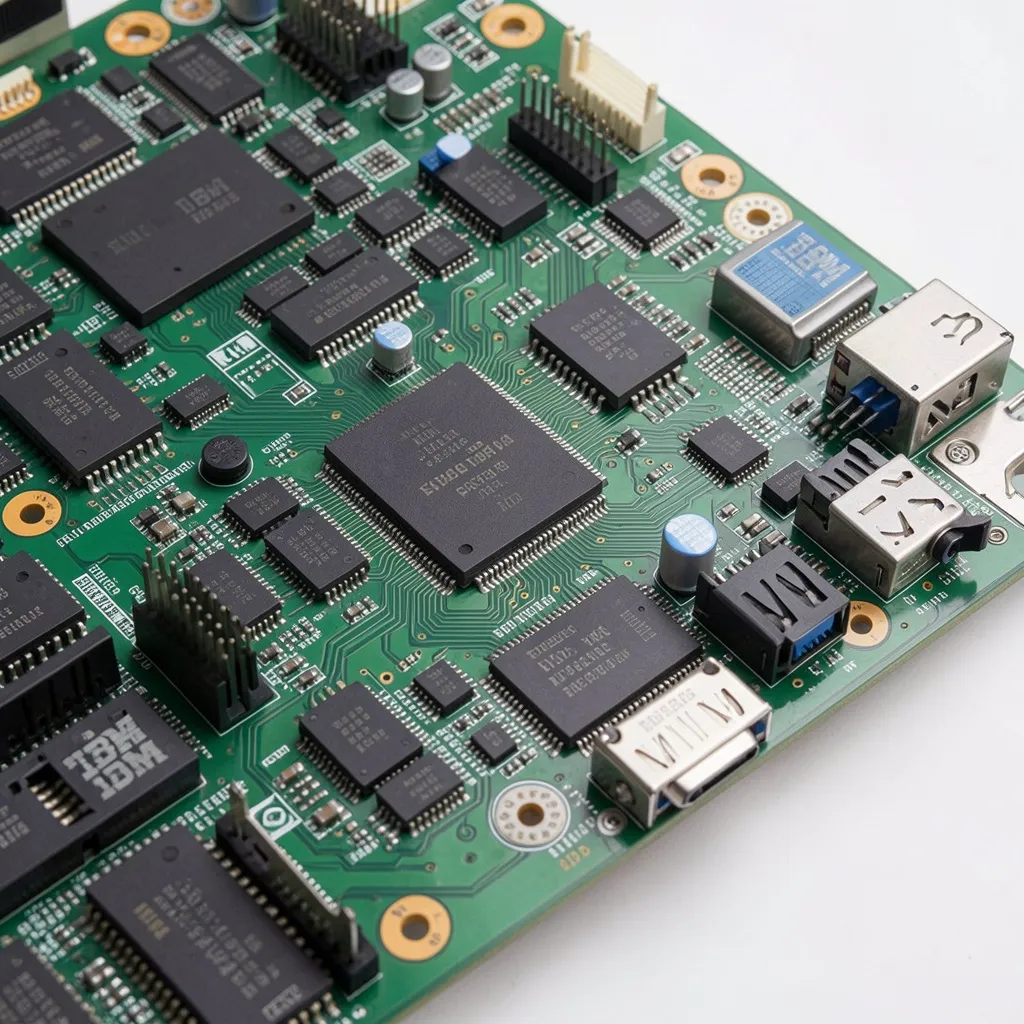
Long before hyper-converged racks and blade servers took over data centers, the ibm eserver xseries 306 chipset quietly did the heavy lifting for thousands of small businesses running web hosting, file sharing, and network infrastructure roles. It wasn’t flashy — it was dependable, compact, and priced for organizations that needed a real server without a real server budget. Today, IT hobbyists, refurbished-hardware buyers, and legacy system administrators still search out its specs, whether they’re maintaining an old deployment, sourcing replacement parts, or just curious what made this 1U workhorse tick.
This guide walks through the seven core specification areas that define the xSeries 306 — chipset and processor, memory, storage, networking, video, power, and RAID — along with how it compares to its direct successor, the xSeries 306m, and where a machine like this can still realistically be useful today.
What Is the IBM eServer xSeries 306?
The xSeries 306 is part of IBM’s older System x server lineup, sold under machine types 1878, 8836, and 8489. It was built as a single-processor, rack-optimized 1U server — meaning it occupies just one rack unit of vertical space, which made it attractive for colocation facilities and server rooms where every inch mattered.
IBM positioned it specifically for web and network infrastructure applications: DNS servers, print servers, lightweight file servers, and entry-level application hosts. It wasn’t designed to compete with multi-processor enterprise servers; it was designed to be the affordable, reliable option for organizations that needed “a server,” full stop.
Machine Types and Warranty Coverage
- Type 1878 / 8836 — one-year on-site limited warranty for parts and labor
- Type 8489 — extended three-year limited warranty for parts and labor
Because IBM notes that specifications are dependent on machine type and model, it’s worth checking the exact type number on your unit before ordering replacement parts or planning an upgrade — not every 306 shipped with identical components.
1. Chipset and Processor Architecture
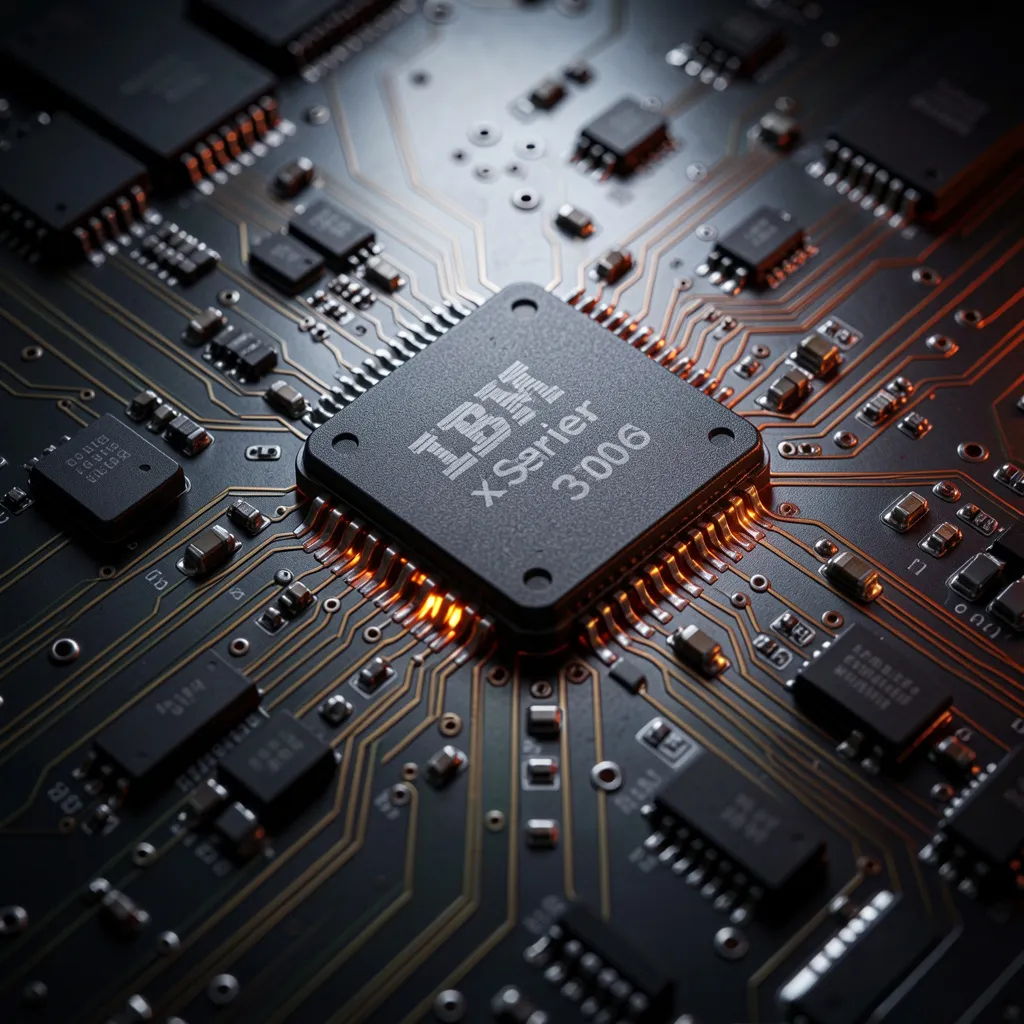
At the heart of the xSeries 306 sits an Intel-based system chipset engineered around single-socket Pentium 4 processors. The chipset’s job is to manage data flow between the CPU, system memory, and I/O devices — and IBM tuned it specifically for consistent throughput in low-power, single-processor configurations rather than the multi-socket setups found in higher-end xSeries models.
Intel Pentium 4 Processor Details
- Processor speeds up to 3.4 GHz on an 800 MHz front-side bus
- 1 MB Advanced Transfer L2 cache for faster data retrieval
- Single-socket design, keeping both cost and thermal output low
Why the Front-Side Bus Speed Mattered
An 800 MHz front-side bus was a meaningful spec in the Pentium 4 era — it directly affected how quickly the processor could communicate with system memory. Combined with the 1 MB L2 cache, it gave the xSeries 306 noticeably better responsiveness than earlier entry-level servers, especially for tasks like serving static web pages or handling file transfer requests where consistent, low-latency access to cached data mattered more than raw computational power.
2. Memory Support and Expansion
Memory configuration on the xSeries 306 varied by model, but most units were built with reasonable headroom for growth — an important consideration for small businesses that expected to scale their workloads over time.
Supported RAM Types
- 512 MB up to 4 GB of PC2700/PC3200 DDR memory (model dependent)
- Some configurations supported 2 GB of DDR 400 system memory
- ECC (error-correcting code) memory options available on select models for improved data integrity
For a server handling continuous background tasks — DNS resolution, authentication, print queuing — ECC memory was a valuable inclusion, since it could catch and correct minor memory errors before they caused data corruption or unexpected downtime.
3. Storage Options Explained
Storage flexibility was one of the more practical strengths of the xSeries 306, giving IT buyers a choice between cost-effective and performance-oriented drive configurations depending on the workload.
| Storage Type | Capacity | Best For |
| Simple-swap SATA | Varies by model | Budget deployments, general storage |
| Fixed Ultra320 SCSI | 36.4 GB | Reliability-focused, I/O-heavy tasks |
| CD-ROM (IDE) | N/A (24x–10x speed) | OS installation, media access |
SATA vs. SCSI: Which Configuration Fit Which Job
- SATA drives were the practical choice for simple file storage and lighter workloads, offering lower cost per gigabyte and easy hot-swap replacement in simple-swap bays.
- SCSI drives, while smaller in capacity, delivered more consistent sustained performance — useful for database-adjacent tasks or servers under constant read/write load.
- The RAID controller installed in a given unit determined which drive type it could support, so storage and RAID configuration were closely linked decisions at purchase time.
4. Networking Capabilities
Every xSeries 306 shipped with dual integrated 10/100/1000 Ethernet ports built directly into the system board — no separate network card required. This was a meaningful convenience for administrators, since it meant:
- Failover configurations could be set up between the two ports for redundancy
- Load balancing across both connections was possible for higher aggregate throughput
- One port could be dedicated to a management network while the other handled production traffic
For a server marketed toward network infrastructure roles, having gigabit networking built in — rather than requiring an add-in card — kept both cost and complexity down.
5. Integrated Video and Graphics
Video wasn’t the focus of a server like this, and IBM’s engineering choices reflected that clearly:
- Integrated ATI 7000M video controller
- 16 MB of dedicated video memory
- A rear-panel VGA port for direct monitor connection during setup and diagnostics
This was never meant to run graphics-intensive applications. Its entire purpose was making sure administrators could plug in a monitor, view BIOS or POST screens, and troubleshoot the system directly when remote management tools weren’t an option.
6. Power Supply and Cooling
Efficient power delivery and thermal management were essential in a 1U chassis, where internal airflow space is limited.
- 300-watt voltage-sensing power supply
- Four redundant case fans for consistent cooling under continuous operation
- Designed for 24/7 server-room conditions rather than intermittent desktop use
The voltage-sensing design meant the power supply could automatically adjust to different input voltages, which mattered for organizations deploying these servers across facilities with varying electrical standards.
7. RAID Support
Data redundancy capability depended entirely on which RAID adapter came installed in a given unit — a detail worth double-checking before assuming a specific configuration is supported.
ServeRAID-7e vs. ServeRAID-7T
- ServeRAID-7e — supports RAID-0 (striping for performance) and RAID-1 (mirroring for redundancy)
- ServeRAID-7T — a SATA-specific RAID adapter offering an alternative configuration path for SATA-based storage setups
Neither option supported more advanced RAID levels like RAID-5, which is consistent with the xSeries 306’s positioning as an affordable, entry-level server rather than a data-redundancy-focused platform.
xSeries 306 vs. xSeries 306m: What Actually Changed?
IBM eventually refreshed the line with the xSeries 306m, and the differences are worth understanding if you’re deciding between a 306 and a slightly newer 306m unit on the secondhand market.
Quick Specs Comparison
| Feature | xSeries 306 | xSeries 306m |
| Processor | Pentium 4 (up to 3.4 GHz) | Pentium 4 / Pentium D dual-core |
| Memory type | DDR (PC2700/PC3200) | DDR2, up to 8 GB maximum |
| Power supply | 300-watt | 350-watt |
| Max storage | Model dependent (SATA/SCSI) | Up to 600 GB SAS or 500 GB SATA |
| Front-side bus | 800 MHz | 800 MHz with EM64T support |
The 306m’s jump to dual-core Pentium D processors and DDR2 memory made it meaningfully more capable for growing workloads, while the added support for Intel Extended Memory 64 Technology (EM64T) opened the door to 64-bit operating systems — something the original 306 never supported. Both machines kept the same rack-optimized 1U form factor, so the physical footprint and installation process remained nearly identical.
Why the xSeries 306 Still Matters Today
Practical Use Cases for Legacy Hardware
Even though this server is well past its original service life, it hasn’t become useless — it’s just found a different audience.
- Home-lab environments — a low-stakes way to learn server administration, RAID configuration, and network services
- Low-demand network appliances — DNS, DHCP, or print server roles that don’t require modern processing power
- Legacy software testing — running older operating systems or applications that depend on period-accurate hardware
- Educational demonstrations — showing students how early-2000s rack servers were architected, before virtualization reshaped data centers
None of these are production-critical roles, and that’s the point — the xSeries 306 has aged into a teaching tool and hobbyist platform rather than a business asset.
Buying Guide: What to Check Before Purchasing a Used xSeries 306
Secondhand xSeries 306 units still circulate through refurbished-hardware resellers and auction sites, but not every listing tells the full story. A few checks can save you from an unpleasant surprise after purchase.
Confirm the Exact Machine Type
Since IBM produced this server under three different machine types (1878, 8836, 8489), always confirm which one you’re buying — it affects warranty eligibility, supported RAM ceiling, and which RAID adapter is installed.
Ask About Installed RAID Controller
A unit with ServeRAID-7e supports different drive types than one with the 7T SATA adapter. If you already own specific drives you plan to install, verify compatibility before buying rather than after.
Check Fan and Power Supply Condition
Given the age of this hardware, the four case fans and 300-watt power supply are the components most likely to have degraded. Ask sellers directly about hours of use, or budget for replacement parts if the listing doesn’t specify.
Verify BIOS and Firmware Access
Some older units may have outdated or locked BIOS settings from a previous configuration. Confirm you’ll have console access — either through the integrated VGA port or a supported remote management card — before committing to a purchase.
Installation and Setup Considerations
For anyone planning to bring an xSeries 306 into active use, a few setup details are worth knowing in advance.
- Rack mounting: The 1U rack-optimized chassis requires standard rack rails; confirm your rack depth matches IBM’s specifications before ordering mounting hardware.
- Operating system compatibility: Because the xSeries 306 lacks 64-bit extensions, only 32-bit operating systems are realistically supported — a key limitation compared to the later 306m.
- IBM Director support: IBM Director, the company’s hardware-management utility, can be used to remotely monitor processor, disk, and memory usage across xSeries deployments, which is useful if you’re managing more than one legacy unit.
- Cabling and airflow: In a 1U chassis, cable management directly affects airflow. Keeping network and power cables clear of the intake and exhaust vents helps the four case fans work as intended.
None of these steps are complicated, but skipping them is a common reason refurbished servers underperform compared to their original specifications.
Frequently Asked Questions
What chipset does the IBM eServer xSeries 306 use? It uses an Intel-based single-processor chipset built around the Pentium 4 platform, paired with an 800 MHz front-side bus and 1 MB L2 cache.
How much RAM can the xSeries 306 support? Depending on the model, it supports between 512 MB and 4 GB of PC2700/PC3200 DDR memory, with some configurations supporting 2 GB of DDR 400.
What’s the difference between the xSeries 306 and the 306m? The 306m is the successor model, adding support for Pentium D dual-core processors, DDR2 memory, EM64T (64-bit computing), and a higher-wattage 350-watt power supply.
Does the xSeries 306 support RAID? Yes — through either the ServeRAID-7e adapter (RAID-0 and RAID-1) or the ServeRAID-7T SATA RAID adapter, depending on the unit’s configuration.
Can the xSeries 306 still run modern software? Generally, no — its 32-bit-only architecture and dated chipset make it unsuitable for most current operating systems and applications. It’s better suited to legacy testing or hobbyist use.
Is the xSeries 306 worth buying used today? For production workloads, no. For learning server administration, running legacy software, or handling a genuinely low-demand network task, it can still be a reasonable, low-cost option.
Final Thoughts
Specs on a page only tell part of the story. What actually made the xSeries 306 useful wasn’t any single number — it was how IBM balanced its limitations against the jobs small businesses genuinely needed done: a single processor instead of two, a modest memory ceiling instead of an expandable one, SATA or SCSI instead of exotic storage. That trade-off is worth remembering any time a “more powerful” option gets chosen by default. Sometimes the right hardware isn’t the one with the biggest number on the spec sheet — it’s the one built precisely for the job in front of it.
